Zurückbleiben, bitte.

Live departures for Berlin and Brandenburg, with time to walk to your stop.
Join the free beta on TestFlight.
U-Bahn, S-Bahn, trams, buses and regional trains.
Departures in your menu bar
Check your next train while you work. Click to see more departures and set a reminder.
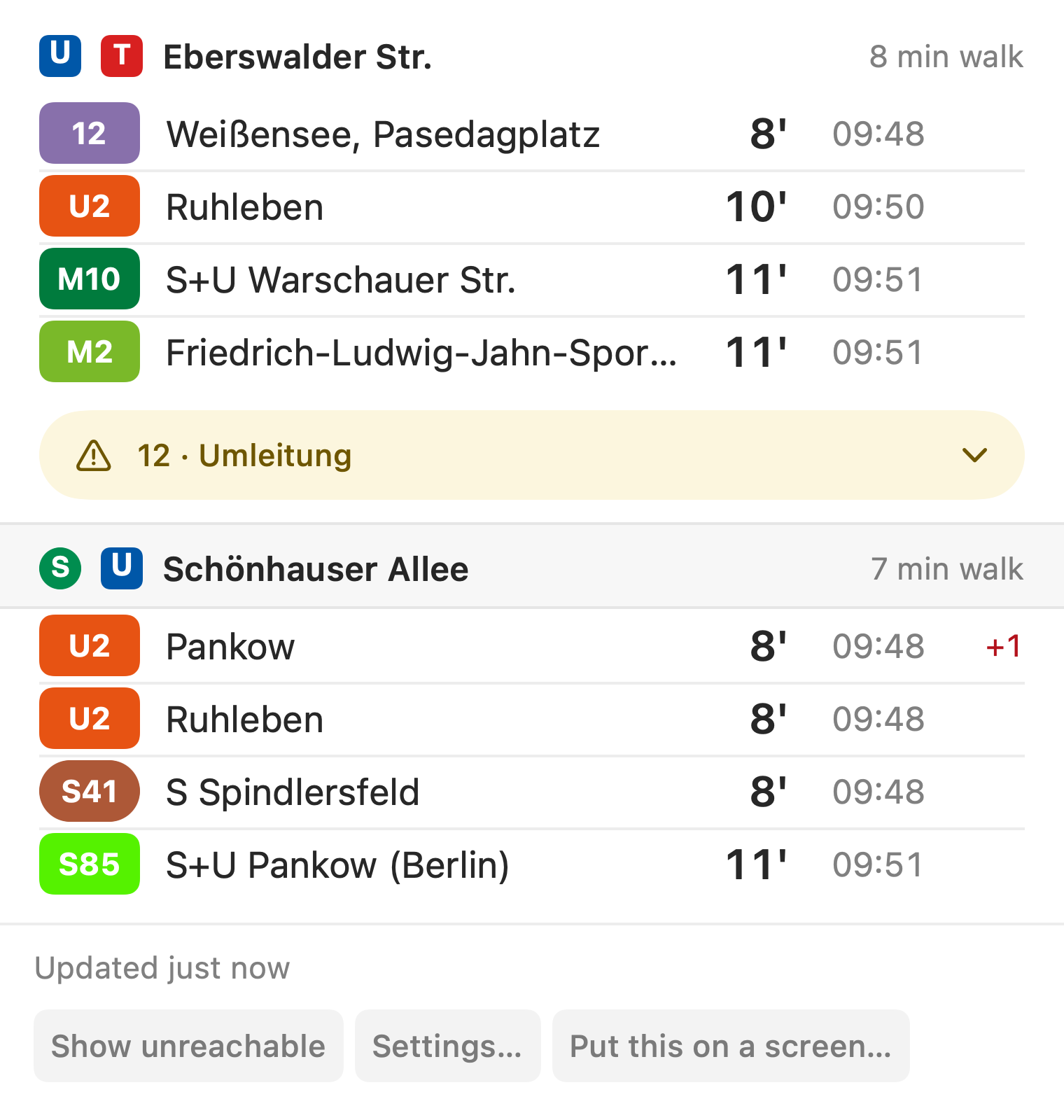
Click the menu bar to see departures from your saved stops.
Walking time, filters and reminders
Set up the board for the stops and lines you use.
Mac reminders
Get a notification when you need to leave. Reminders adjust for delays and cancellations.
Update status
If live data is unavailable, the board shows when it last updated.
Line and direction filters
Choose which stops, lines and directions appear in your menu bar.
Walking time
Set a walking time for each stop to hide departures you cannot reach.
Departure reminders on your Mac
Choose a departure and get a notification when it is time to walk to the stop.
Choose a departure
Click a departure and select “Remind me when to leave”. For regular trips, set a weekly reminder in Settings.
Check your reminder
The leave time includes your walk to the stop and adjusts if the train is delayed. Manage your reminders in Settings.
Get a notification
The notification includes the line, destination and departure time. Click it to open the board.
Reminders are in the Mac app.
Departures on your iPhone
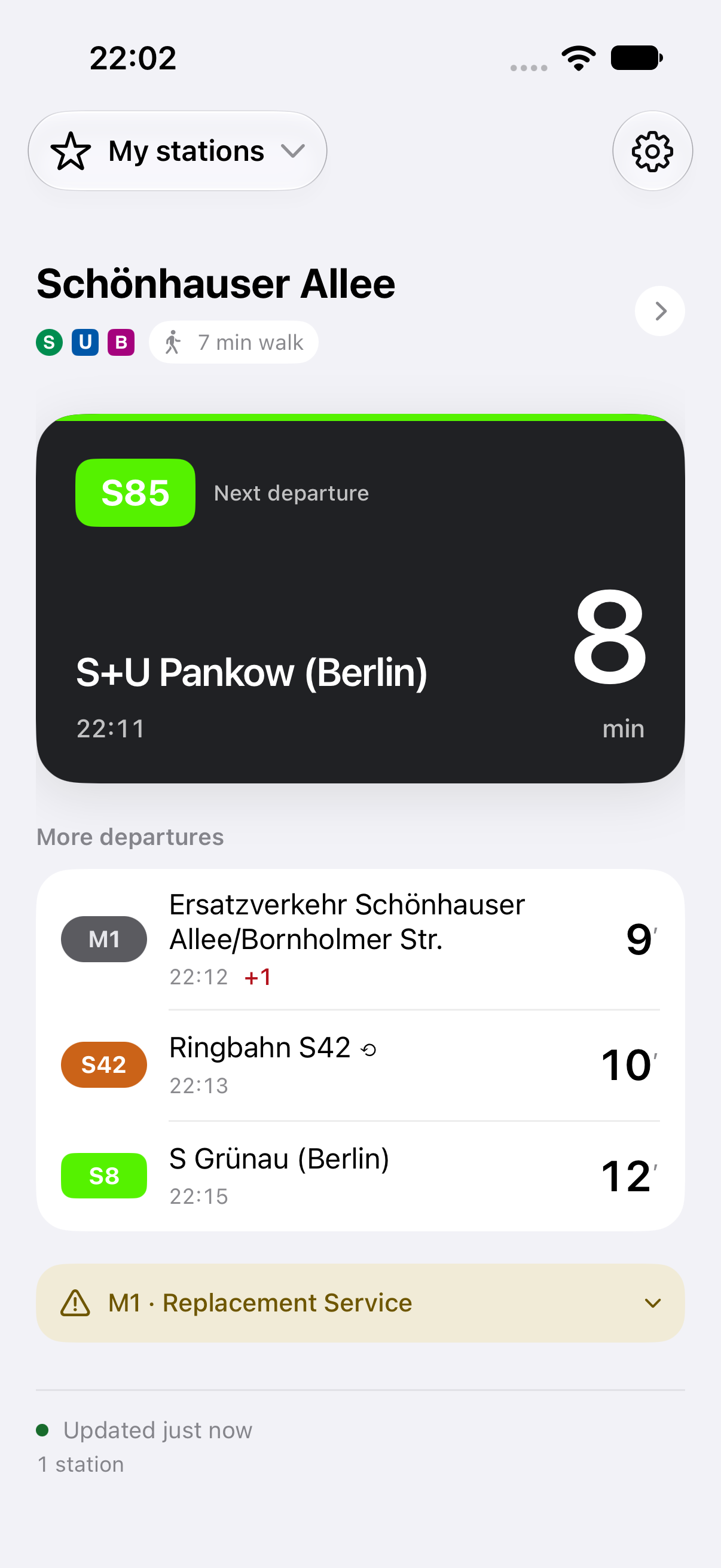
Check nearby stops or save the stations you use regularly. Departures are filtered by your walking time.
- Nearby and saved stops. Find nearby stops, or choose a station by name. Saved stations work without location access.
- Lock Screen and Dynamic Island. Keep departures visible for up to 45 minutes after closing the app.
- iCloud sync. Access your saved stations on your other Apple devices.
Departures on your Apple Watch
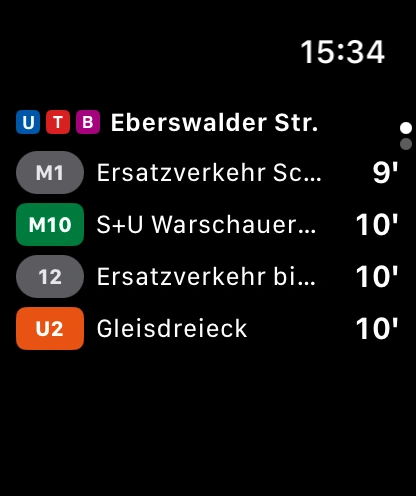
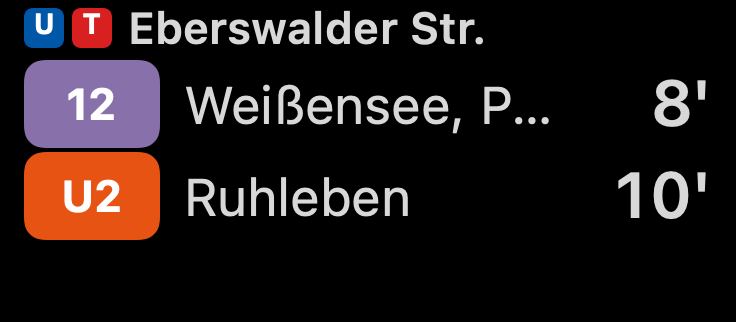
Check your next train without taking out your phone. Swipe between saved stops in the watch app.
- Watch face widgets. See the next departure on your watch face or in the Smart Stack.
- Nearby stops from your iPhone. While a live board is active on your iPhone, the watch shows departures from the same stop.
- Wi-Fi and cellular. Saved stops refresh even when your iPhone is out of range.
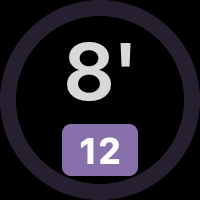
The ring shows how much time you have before you need to leave.
Widgets for Mac and iPhone
Add departures to your desktop or Home Screen. Choose a stop and filter by line for each widget.
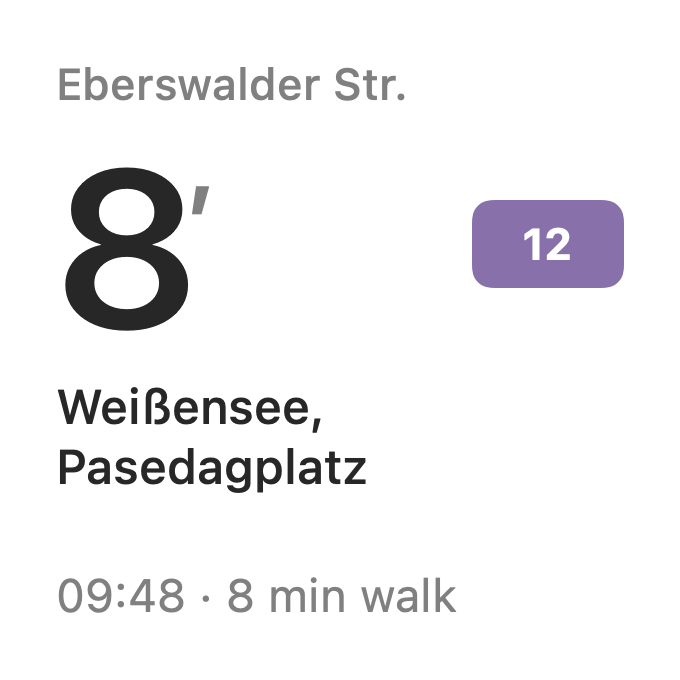
Small
One departure from your chosen stop.
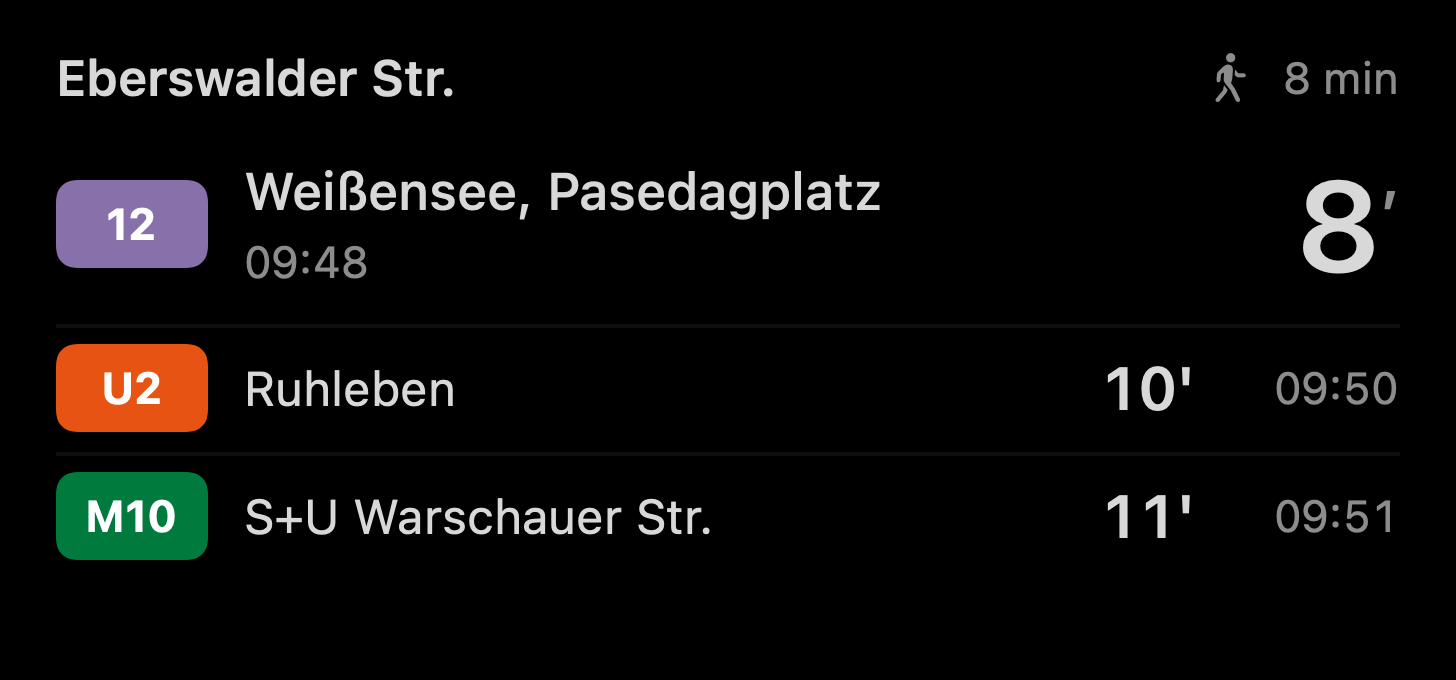
Medium
The next three departures from one stop.
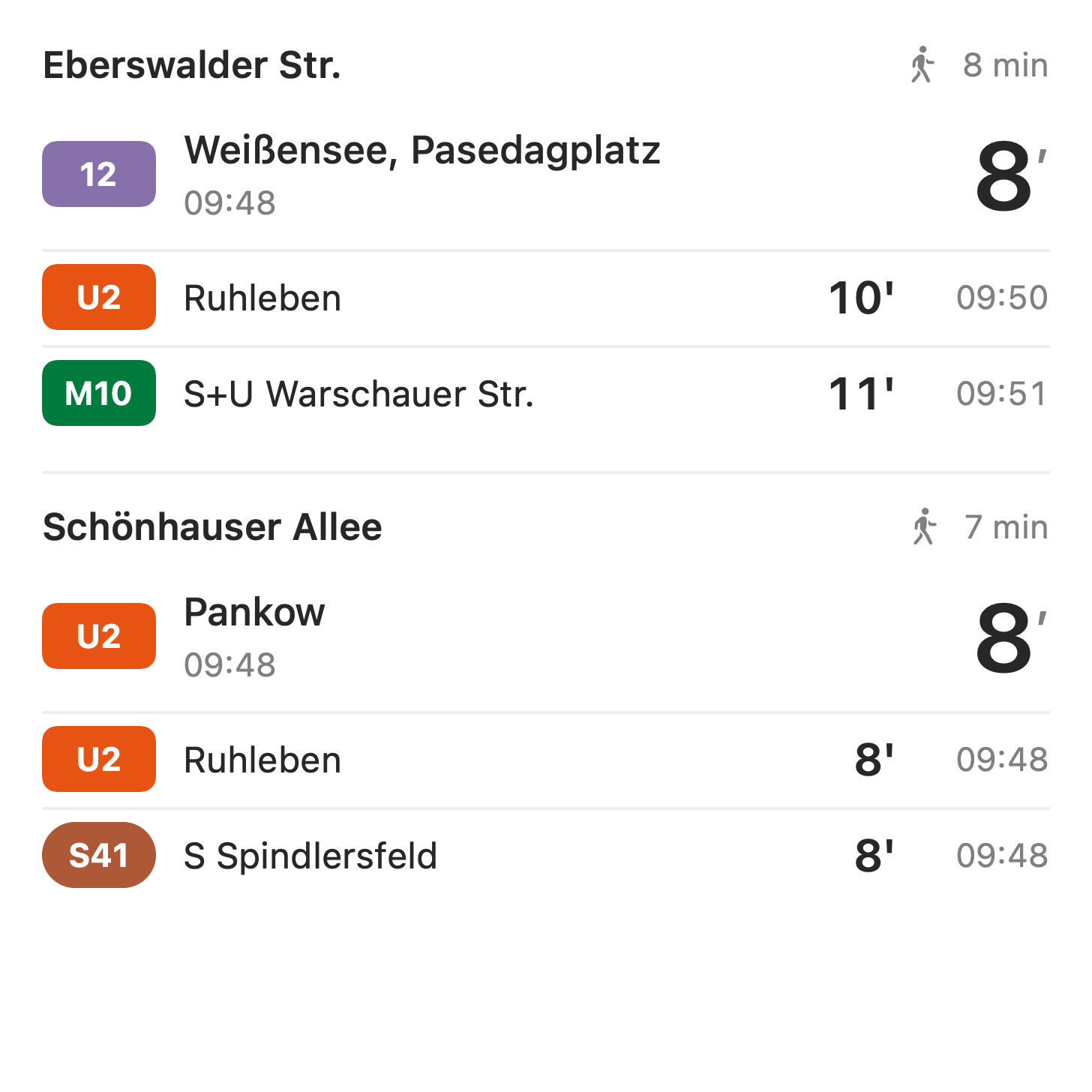
Large
Departures from two stops.
Available in light and dark.
On your Apple TV
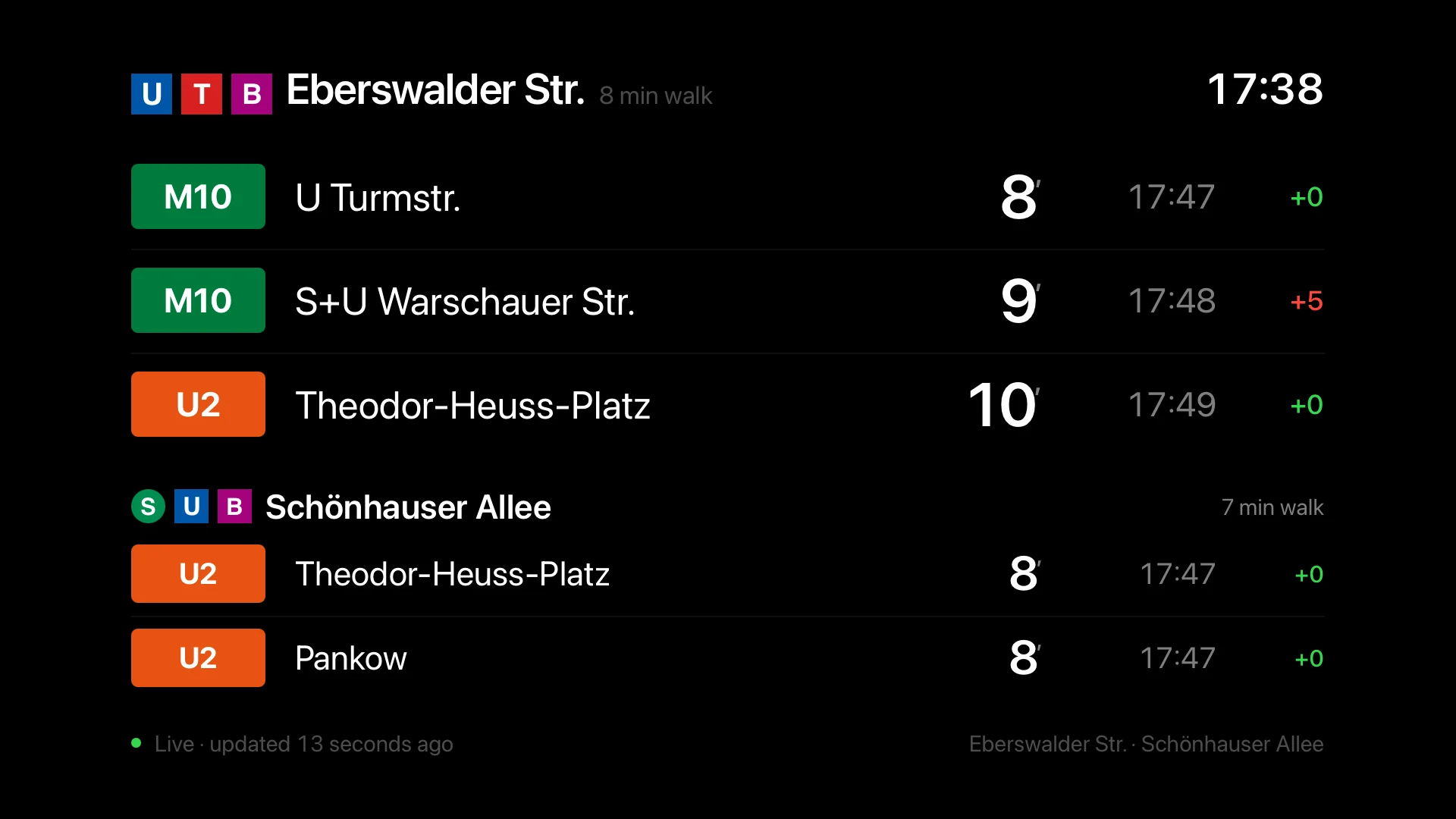
Show departures on your TV, with large text you can read across the room. Your saved stops sync through iCloud.
Free, with no account
All app features are included. No subscription or in-app purchases.
- No account
- Use the apps without signing up.
- No ads or app analytics
- The apps contain no advertising and collect no usage analytics.
- Optional location access
- Find nearby stops using your location, or save stations by name without it.
- Saved in iCloud
- Your saved stops sync through your own iCloud account.
For business
A departure board for your business
Display nearby departures in your café, hotel or office. Add your logo and open the board in a browser on an existing screen.
Seven-day free trial. Monthly billing with VAT invoices. Cancel anytime.
Each display needs its own screen subscription. Manage billing on the website. The Apple apps are free.
Choose your colours, logo placement and text size. Add local weather and a location or welcome line.

- Hotels and hostelsShow departures from nearby stops at reception.
- Offices and coworking spacesPut departure times in the kitchen or by the lift.
- Cafés, bars and restaurantsLet guests check their train without leaving the table.
- 1Choose your stopsEnter your address, choose up to four nearby stops and set the walking times.
- 2Make it yoursAdd your logo, choose a colour and set how many departures to show.
- 3Open on your screenOpen the screen’s link in a browser. Departures update automatically.
Get Zurückbleiben
Free beta on TestFlight. For Berlin and Brandenburg.